· Nas · Technology · 10 min read
Best Claude Skills to Design a Beautiful Website (With Links)
Five Claude Skills that turn Claude into a serious web designer, from locking in a bold aesthetic before writing a single line, to auditing the finished site for 100+ quality rules. Includes direct GitHub links.
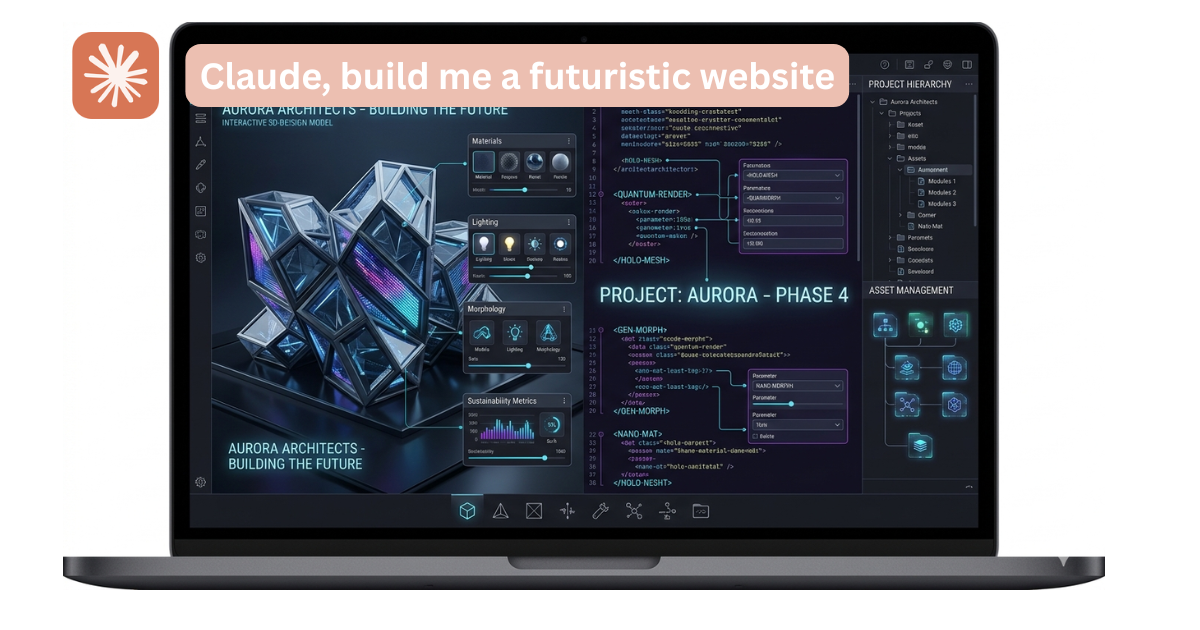
Best Claude Skills to Design a Beautiful Website
Most AI-generated websites look the same: flat layouts, generic fonts, classic blue and purple colors that scream “AI slop” before anyone reads a word of copy.
But that’s not a Claude problem, it’s a skill problem. Claude, when properly equipped, can produce web design that’s genuinely distinctive with bold typographic choices, consistent design systems, and sites that feel considered rather than generated. It just needs the right instructions to get there.
That’s exactly what Claude Skills do. A skill is a markdown file that gives Claude deep, specific expertise, and once you install it, Claude applies that knowledge automatically whenever you’re building something relevant, without the need to re-explain what good design looks like on every prompt.
In this post I’m going to walk you through the five best Claude Skills for web design: what each one does, when to use it, and where to get it.
Before I do, if you want to understand how to install skills in the first place, read How to Download and Use a Skill with Claude AI first. It covers the full installation process in under 5 minutes.
Use Claude Opus for Design Work
One thing that’s worth knowing before you start: not all Claude models produce the same design output.
Claude Opus, Anthropic’s most capable model, consistently produces better aesthetic decisions when working on visual design. It makes more intentional typographic choices, builds more coherent design systems, and is more likely to commit to a distinctive direction rather than defaulting to the safe, generic middle.
If you’re building something you genuinely want to look good, switch to Opus before you start, because the quality difference on design-heavy tasks is noticeable. You can access it on the Pro plan at claude.ai, or through Claude Code if you’re building locally.
The 5 Best Claude Skills for Web Design
Watch the video tutorial: The Best Claude Skills for Web Design in Action
1. Frontend Design
What it does: This is the foundational skill for any serious web design project. Before writing a single line of code, it forces Claude to commit to a specific aesthetic direction (brutalist, editorial, retro-futuristic, and so on) and define its visual language upfront: typography, spacing, colour philosophy, and motion treatment.
Why this matters: The reason most AI-generated sites look the same is that the model defaults to the average of everything it’s seen, and Frontend Design breaks that pattern by making Claude decide first. The result is a site that has a clear point of view, one that looks intentional because it was designed that way from the start rather than assembled from safe defaults.
When to use it: Every time, and always before anything else. This is the starting point for any web design project, whether it’s a landing page, a portfolio, or a full product site.
→ Install the Frontend Design Skill on GitHub
2. Taste Skill
What it does: Think of this as three adjustable dials on top of your design: design variance (how experimental the aesthetic is), motion intensity (how much animation and transition work goes in), and visual density (how information-rich or spacious the layout feels). You set each dial before Claude starts building, so it knows exactly what register to work in.
Why this matters: “Make it look nice” is not a design brief, and different sites need very different treatment. A wellness brand needs space and calm, while a SaaS dashboard needs density and precision. This skill gives you language to articulate the feel of your site before Claude makes any design decisions, so the output matches your intent rather than Claude’s defaults.
When to use it: Pair this with the Frontend Design Skill on any project where the vibe matters as much as the structure, set your dials, and then let Claude build.
→ Install the Taste Skill on GitHub
3. Vercel Web Design Guidelines
What it does: This skill acts as a final quality pass. Once your site is built, it audits it against 100+ rules covering accessibility, performance, visual hierarchy, and responsive behaviour, catching the specific things that are easy to miss: missing focus states, poor touch targets, contrast failures, inconsistent spacing, and layout breakpoints that don’t quite work.
Why this matters: Even well-designed sites have invisible problems - a button that’s too small to tap on mobile, a link that’s indistinguishable without a mouse cursor, or a heading structure that makes no sense to a screen reader. These issues don’t show up in a visual preview, but they hurt both user experience and SEO, and this skill surfaces all of them before you ship.
When to use it: After you’ve finished building. Think of it as your pre-launch checklist: run it on the completed site, fix what it flags, and then deploy.
→ Install the Vercel Web Design Guidelines Skill on GitHub
4. UI-UX-Pro-Max
What it does: This skill builds a coherent design system fast. Tell it your industry and the type of site you’re making, and it auto-selects a colour palette and type pairing from a curated library of combinations that are proven to work together, with your whole site then built on top of that system.
Why this matters: Most AI-generated sites feel thrown together because they are thrown together, with a heading font pulled from one direction, accent colours from another, and a layout style that doesn’t match either. This skill solves that by selecting your visual system first and building everything else to match, so the result feels complete and intentional rather than assembled.
When to use it: Best for founders or operators who want a polished, on-brand result without obsessing over design decisions themselves. Tell it your industry, let it pick the system, and build on top.
→ Find the UI-UX-Pro-Max Skill on GitHub (search community skills)
5. Design Loop
What it does: For multi-page sites, this skill solves one specific problem: Claude drifting between pages. It uses a “baton” file, a context document that passes the design system, decisions, and constraints from one page to the next, so each page Claude builds picks up exactly where the last one left off and your fifth page looks as consistent as your first.
Why this matters: If you’ve tried building a full website with Claude, you’ve probably noticed it starts strong and then slowly diverges, with a different font weight here, a slightly different card style there, and a spacing system that doesn’t quite match. Over five pages that drift becomes obvious, and Design Loop eliminates it by making each iteration aware of everything that came before.
When to use it: Any project with more than two pages, whether that’s a full business website, a portfolio, or a product with multiple sections. This skill is what keeps the whole thing coherent end to end.
→ Install the Design Loop Skill on GitHub
How to Stack These Skills for Best Results
These five skills work well together in a specific sequence:
- Start with Taste Skill - set your dials (variance, motion, density) to match the project’s vibe
- Run Frontend Design - commit to an aesthetic direction before writing any code
- Apply UI-UX-Pro-Max - lock in a colour palette and type system
- Use Design Loop if you’re building multiple pages - pass the baton between iterations
- Finish with Vercel Guidelines - audit the completed site before launch
You don’t need all five on every project, because a single landing page probably needs just Frontend Design and the Vercel audit, while a full business website benefits from the whole stack.
Free Guide
Download My Free Claude Skills Guide
My personal shortlist of favourite Claude Skills - with direct links and step-by-step instructions on how to download and install each one.
Get the Free Guide →Free · No spam · Instant delivery
Frequently Asked Questions
Do I need Claude Code to use these skills, or can I use them on claude.ai?
You can use skills on both. In the Claude web app, go to a Project and upload the SKILL.md file as a document, and Claude will read it and apply the skill automatically for every conversation in that project. In Claude Code, you install skills via the terminal, which gives you more control, though the web app approach is easier to start with.
Which Claude model should I use for web design?
Claude Opus produces noticeably better design output. It makes more deliberate aesthetic choices and is more likely to build something distinctive rather than safe. If you’re on a plan that gives you access to Opus, use it for anything design-related.
Can I use multiple skills at the same time?
Yes. Skills are additive, so Claude will apply multiple skills in combination if they’re all installed. The stack described above (Taste → Frontend Design → UI-UX-Pro-Max → Design Loop → Vercel audit) is exactly that: multiple skills running in sequence on the same project.
What if I don’t want to write any code myself?
You don’t need to write any code at all. These skills are designed so that Claude does all the coding, and your job is simply to describe what you want in plain English and iterate on what it produces.
Is this better than using v0 or Lovable?
Different tool, different use case. v0 and Lovable are great for quick prototyping with pre-built component libraries. Claude with design skills is better when you want a more custom, distinctive output - something that doesn’t look like it came from the same component palette as everything else. I’ve covered v0 separately here: How to Build a Website with v0.
Nas’ Note
The gap between a generic AI website and a genuinely good-looking one is almost entirely a prompting and tooling problem. The model itself is capable of real design quality, and it just needs proper instructions, a defined aesthetic direction, and a quality audit at the end.
That’s exactly what these five skills provide, and once you install them, every web project you do with Claude starts from a much higher baseline. Start with Frontend Design, use Opus if you can, run the Vercel audit before you ship, and you’ll notice the difference immediately.
If you want all my favourite skills in one place, with direct links and download instructions, grab the free guide.
Liked what you just saw? Follow me on YouTube or connect on LinkedIn for more insights on building with AI.
Video Guides you might like:
 How to use Claude Code to build Apps
  10 Best Claude Code Skills for beginners
  How to create AI Video Animations with Claude + Remotion
  How to use Claude Code to build a Website
  How to use Claude Skills for beginners
  How to write the PERFECT CLAUDE.md file
  Automate 80% of your Marketing with Claude
  How to use Claude Code — The basics
  Work 2X Faster with Claude Cowork
  How to NEVER Hit Claude Usage Limits Again